Why a mascot
Most interfaces stay quiet until you click something. A mascot changes that. Its eyes follow the cursor across the whole page, it reacts when you get close, and it gives a page a bit of personality without adding another button.
Each mascot is a single web component. One script tag and one element, and it runs on any site: shape, colours, size and the lines in its speech bubble are plain attributes. Poke it a few times and see what it says.

Built with Claude Code
I built Lots together with Claude Code. I described what I wanted in plain words, Claude wrote the code, and I spent my time where it matters: how the eyes move, how far they follow the cursor, how much they bounce. Short loops of try, look, adjust, until the mascot felt alive instead of mechanical.
The editor is a static site without a backend. You pick one of twelve shapes and seven eye styles, set colours, size and how eagerly it follows the cursor, and write the lines it says when you click it. The whole setup lives in the URL, so a mascot can be shared as a link. When it looks right, you copy the embed code or download it as SVG or PNG. Embedding it takes two lines:
<script src="https://mascot-creator-inky.vercel.app/embed.js" async></script>
<mascot-eyes shape="Circle" body="#3b5bff"></mascot-eyes>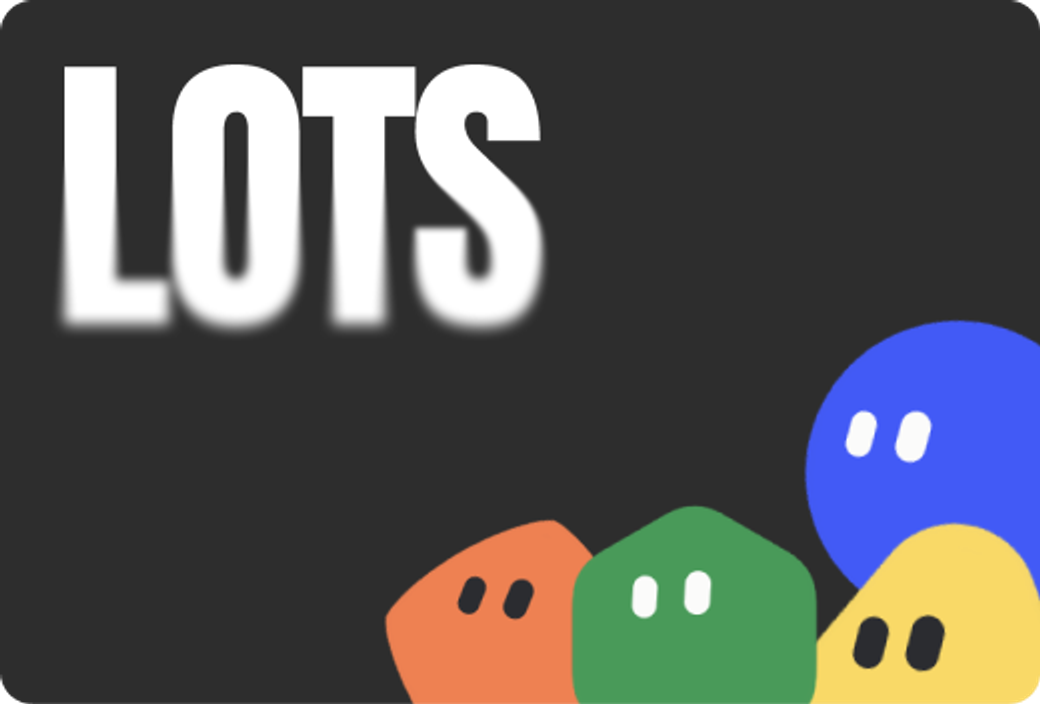
Editor
The editor is where every mascot starts. Each change shows up live, so you see right away how a shape feels once its eyes chase the cursor. There is no account and nothing to save: the settings travel in the link, and the embed code follows every tweak. Made for quick tries.
- Twelve shapes and seven eye styles to start from
- Colours, size, how far it follows and how much it bounces
- Speech lines, or a link that opens on click
- Embed code, iframe, or a download as SVG and PNG
Lots is still growing. New shapes and moods get added whenever a project asks for one, and every mascot I build ends up in the editor for anyone to use.